
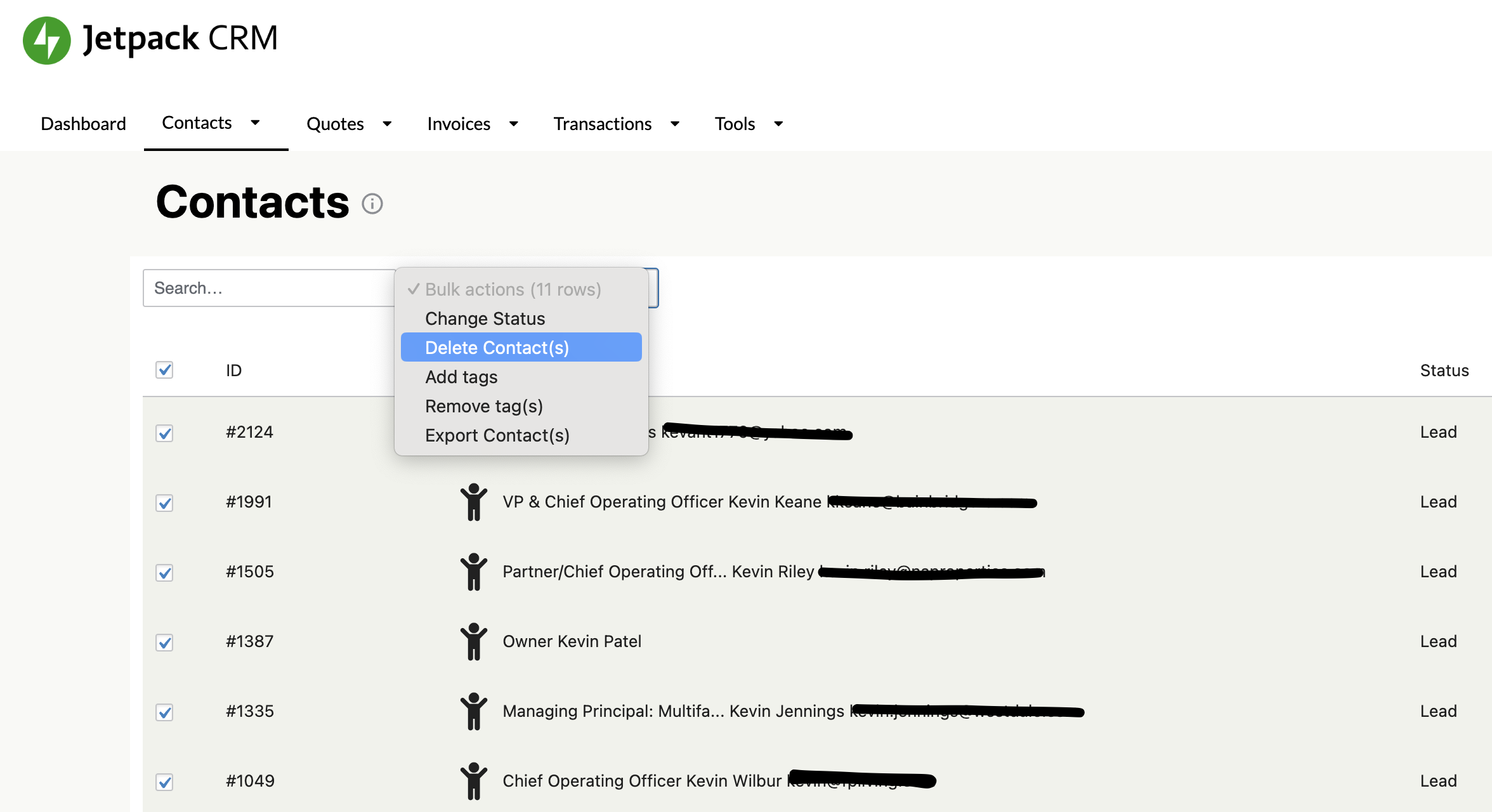
You can bulk delete your contacts by using the bulk action checkboxes on the contacts list view:
Alternatively, you can delete all your CRM data using the option in Tools->Data Tools. This will not delete the database tables, but will delete all data in those tables.
If you’re looking to delete tags instead of contacts, see Contact Tags for information on managing and deleting tags.