
Integrate Jetpack CRM with Awesome Support, and see your Customers support ticket information within your CRM.
You can integrate your Jetpack CRM with Awesome Support with the dedicated Jetpack CRM extension you can purchase as a stand-alone plugin, or included in the Entrepreneur bundle plan.
Set up the Awesome Support extension
Once you activate the extension, you can see which of your Jetpack CRM contacts have sent support tickets. This ticket summary is added to the Contact page:

This gives you a great way of seeing the tickets that your Jetpack CRM contacts have opened with you, and it links in the CRM with your Awesome Support Desk.
Log extra customer activity
The extension can also log any tickets the customer has opened in the Activity Log. From the Contact page, you can click on Contact Actions and Add Log.
Once the information is in the log, you can use the CRM advanced search to search all the CRM data and discover popular support topics that have come in from your customers.
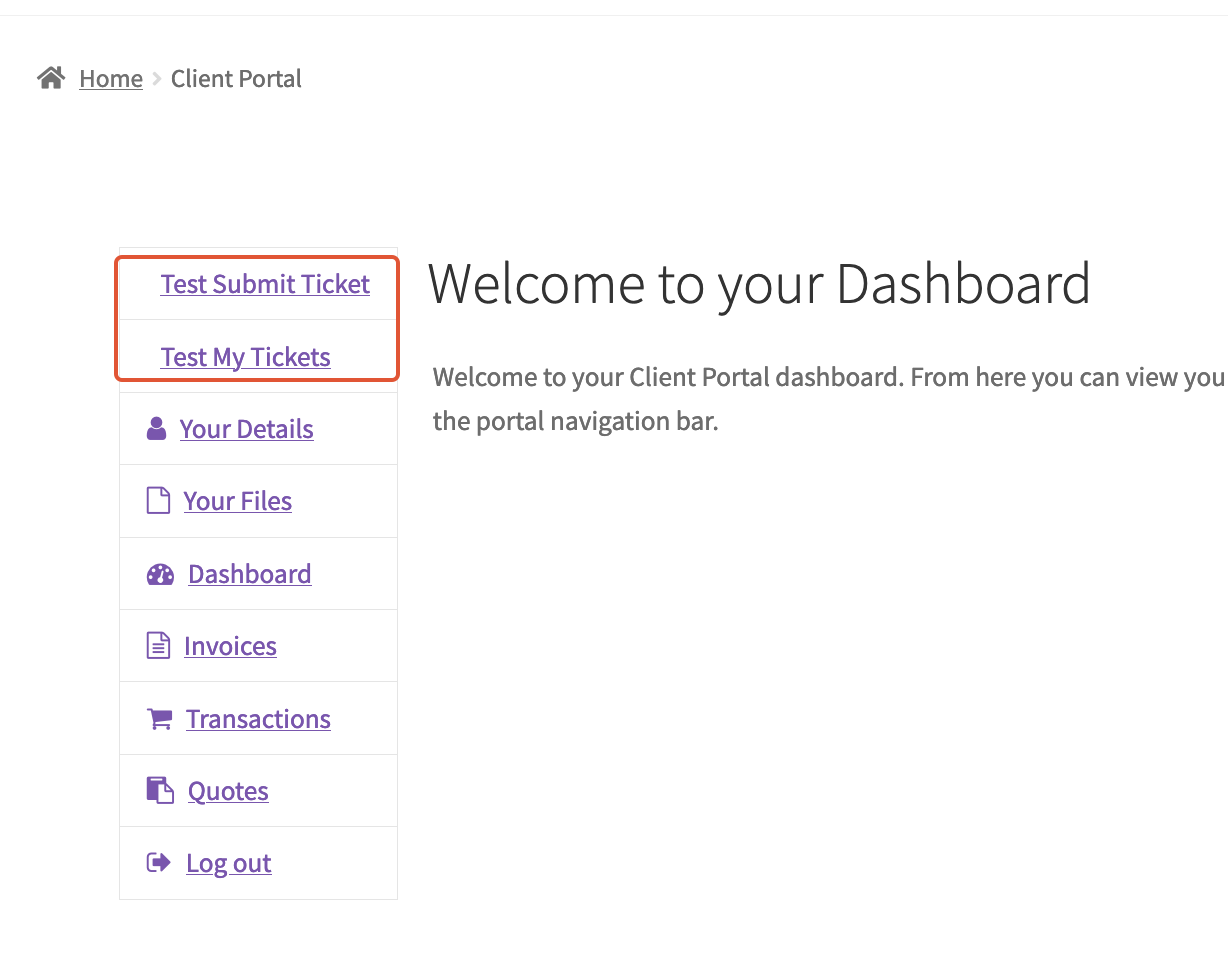
Adding Custom Tabs to Client Portal
The Client Portal Pro extension allows users to view and submit tickets from the client portal.
You can check here the instructions on how to set it up.
That allows you to create new pages, which are turned into tabs in the Client Portal menu:
Awesome Support has a list of shortcodes that make building these pages simple. You’re welcome to check it out and test it on your site, but keep in mind that addressing questions and issues about these shortcodes is beyond the scope of our support.