
You can change the default currency within Jetpack CRM by going to Jetpack CRM > CRM Settings > Locale (under General):

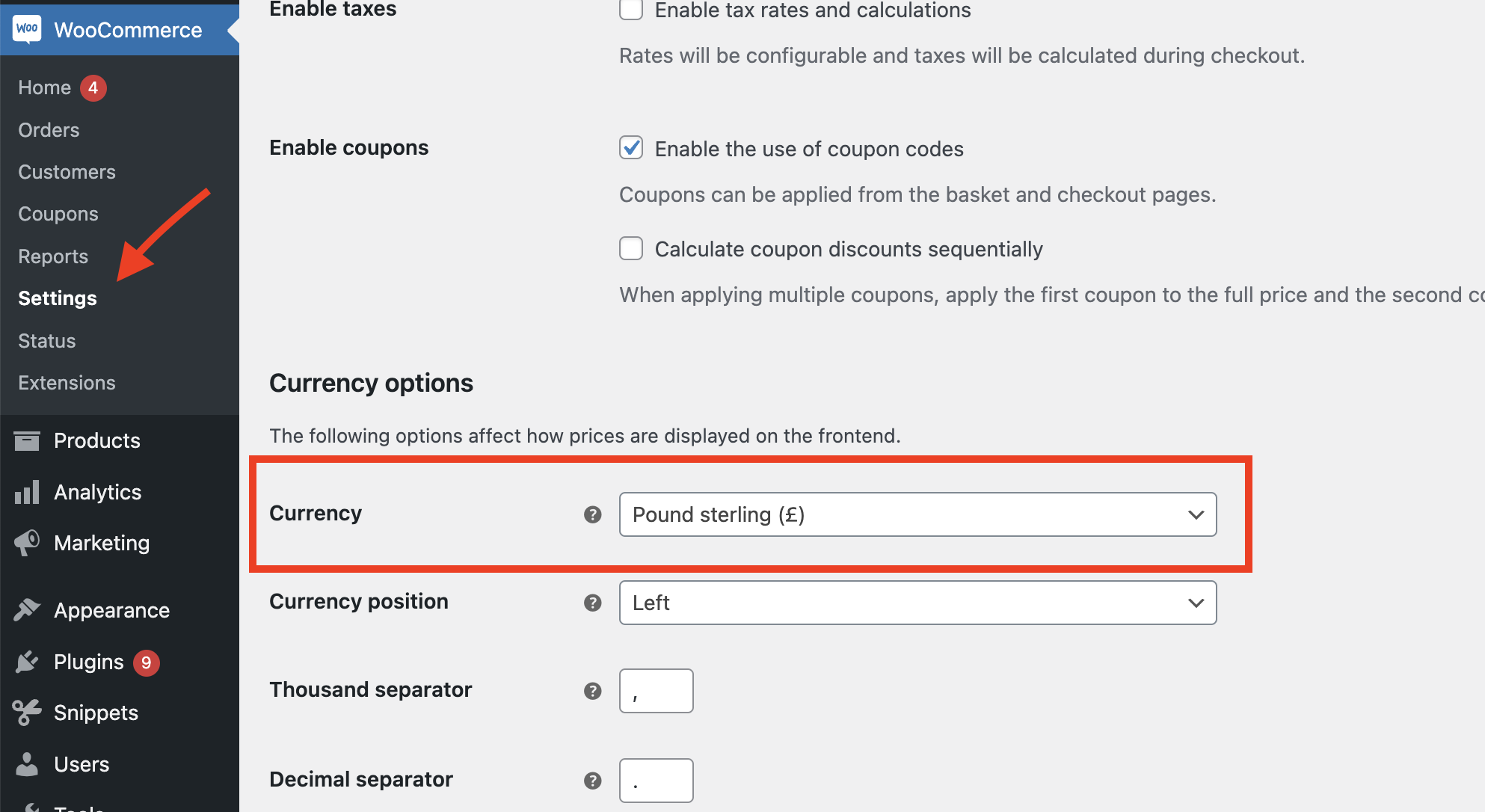
If you’re using WooCommerce, you can set your currency in WooCommerce > Settings > General > Currency:
FAQs
Can I use multiple currencies?
Jetpack CRM does not support multiple currencies at the moment.
How can I add custom currency to the options?
If you’re comfortable with PHP, you could add the currency value to the file includes/wh.currency.lib.php.